
The best method for importing Google Contacts into Coywolf Contact is to use the auto-importer.
- Go to Settings
Click the Settings icon and then click on Import Contacts.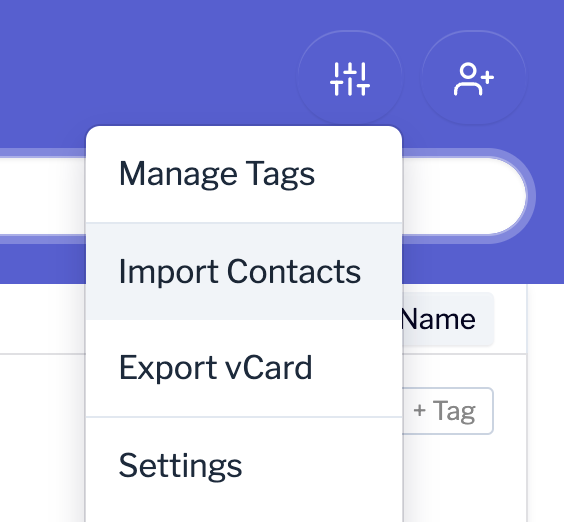
- Import Google Contacts
Click on the Import Google Contacts button.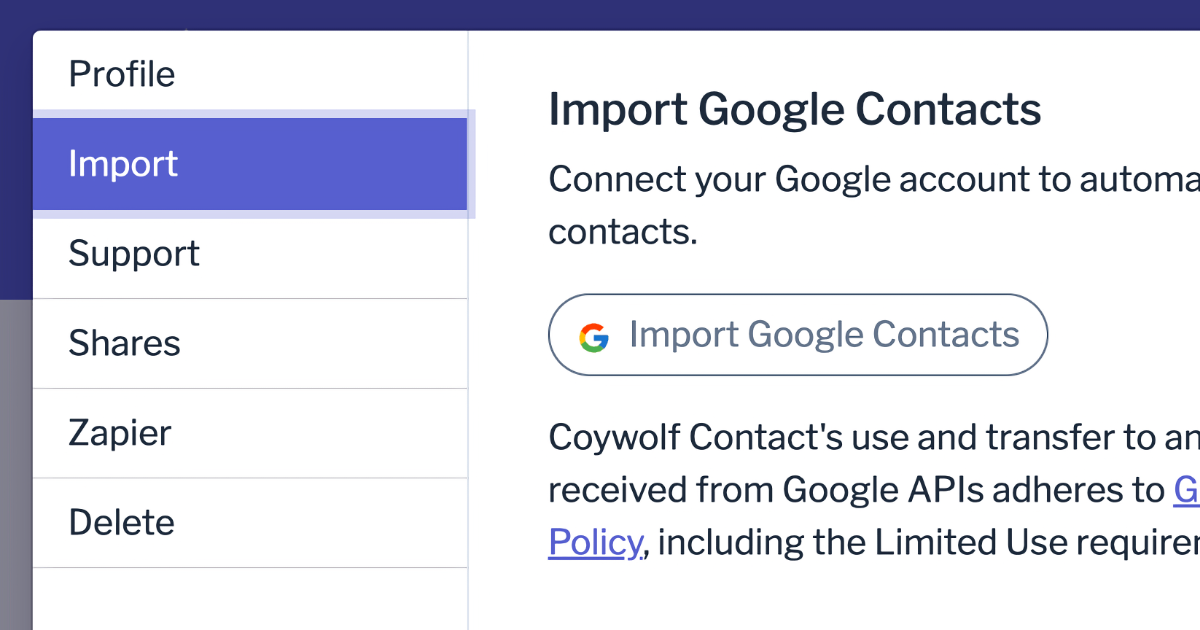
- Choose Google Account
Choose or login to your Google account.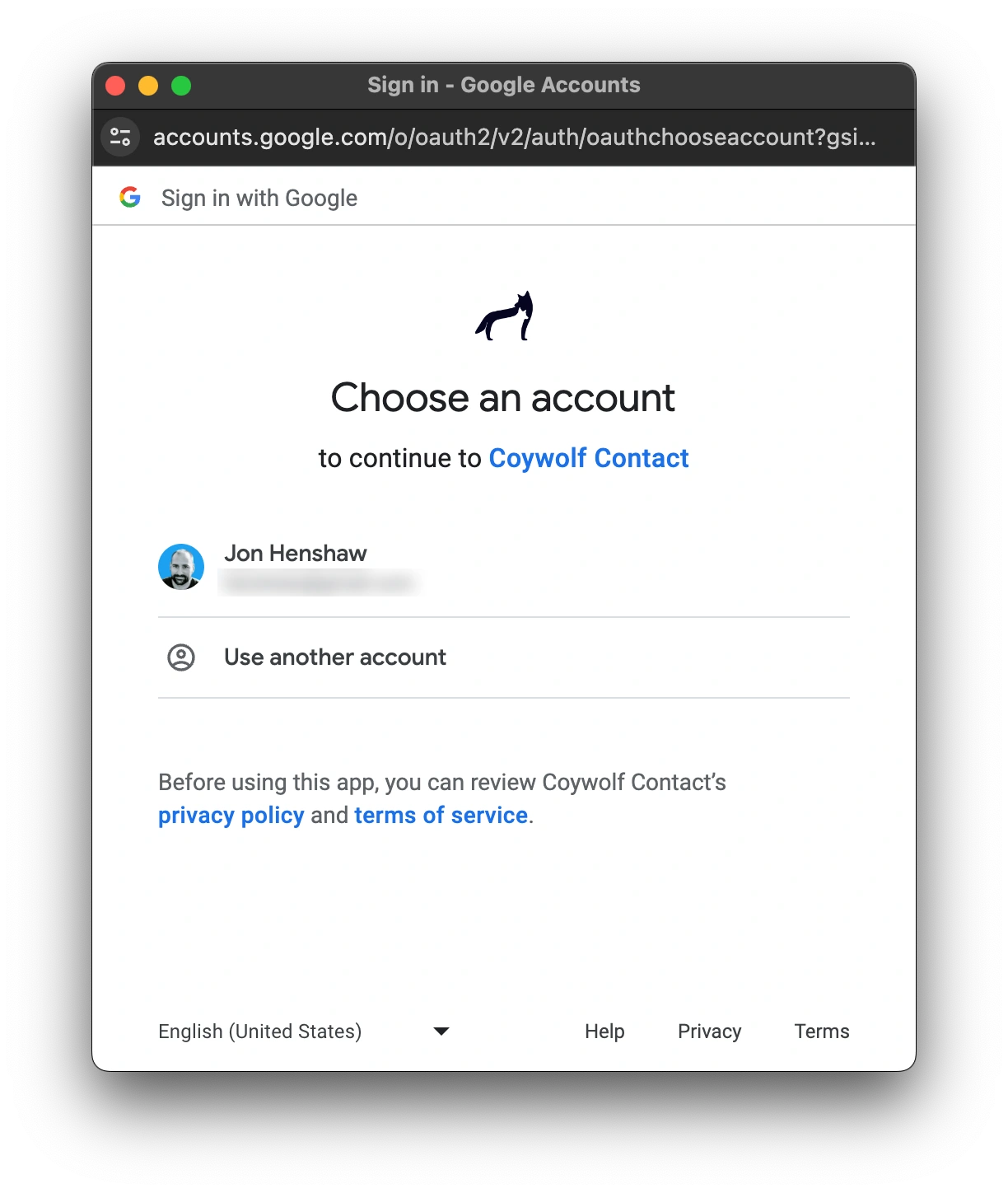
- Grant access
Click the Continue button to allow Coywolf Contact to auto-import contacts from Google Contacts.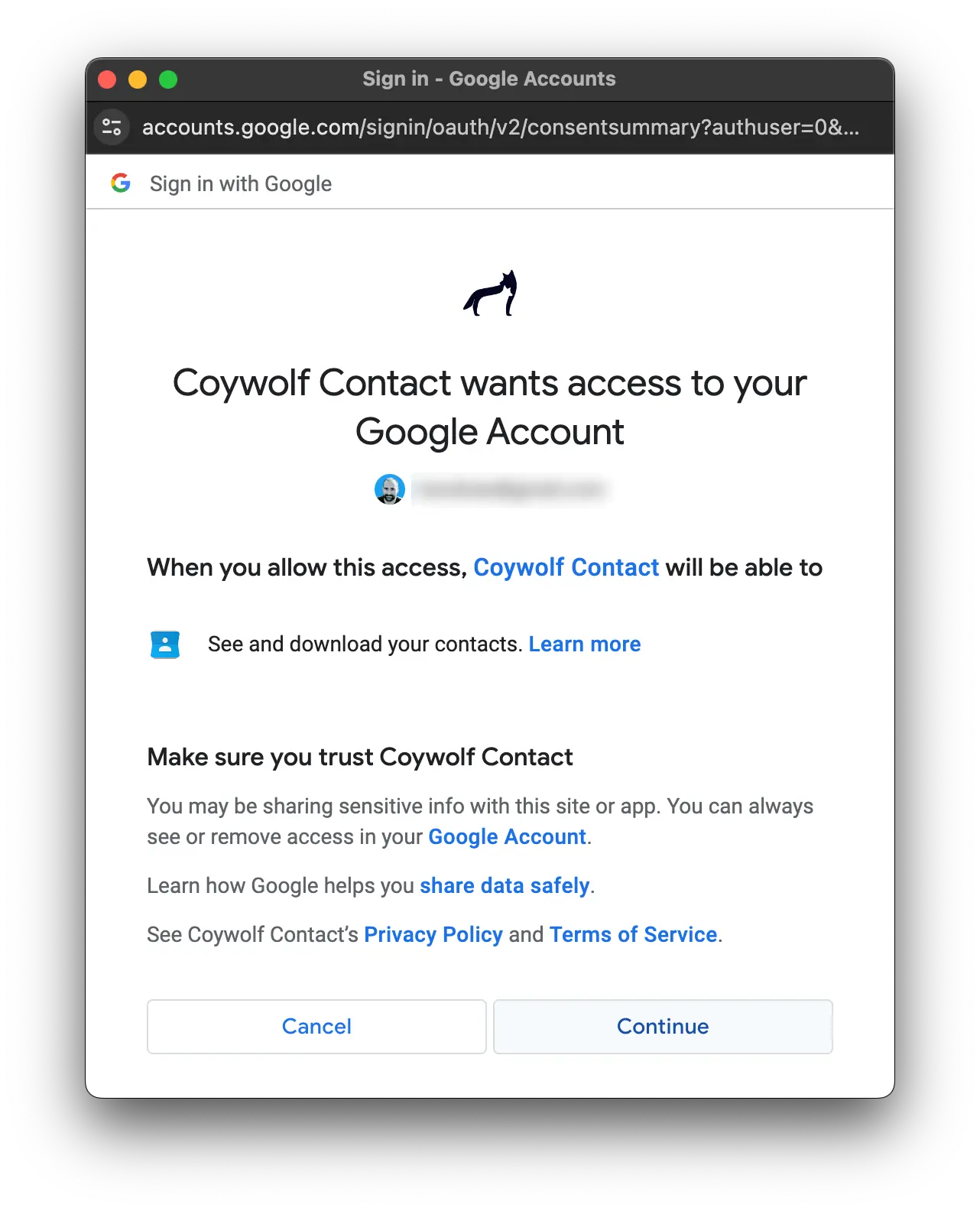
- Close Settings
The import process will begin. Close Settings and wait for the auto-import to finish. Depending on how many contacts you have in Google Contacts, it may take several seconds to a minute for the auto-import to complete.
Source: https://support.contact.garden/importing/how-to-auto-import-contact-records-from-google-contacts/