
Some contacts apps allow you to select multiple contacts and export them as a single vCard. For example, Apple Contacts and Google Contacts allow you to select multiple or all contact records and export them into a single multi-contact vCard.
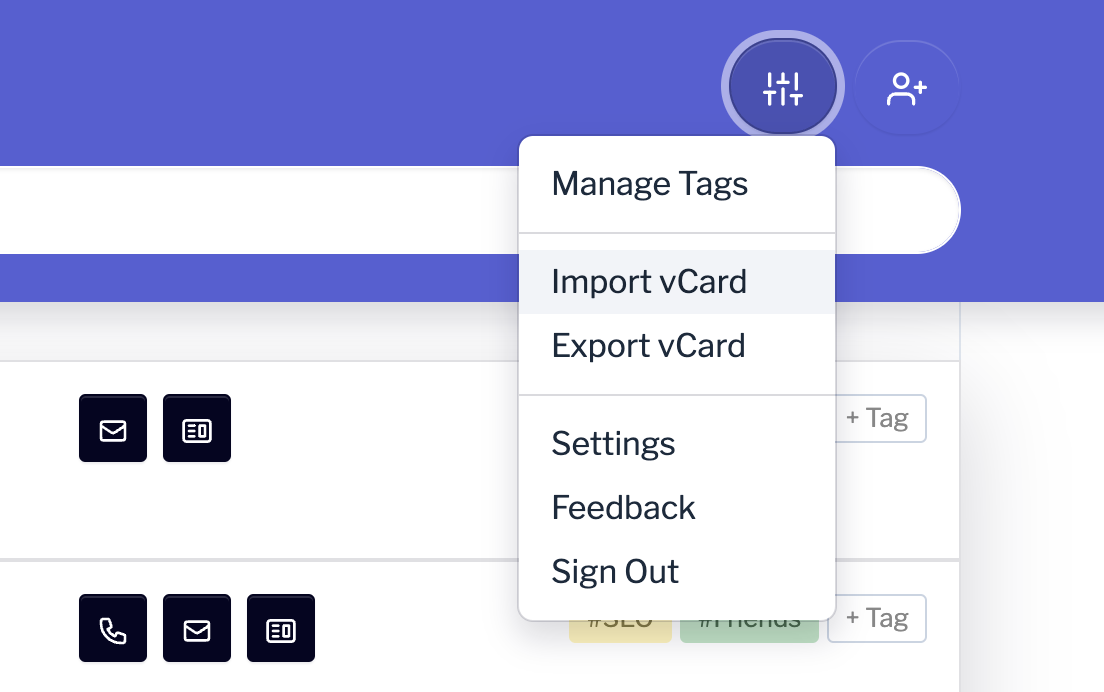
Once the file is exported from your contacts app, in Contacts by Coywolf, click on the Settings icon and then choose Import vCard. Select the multi-contact record vCard and the contacts will be imported.
Source: https://support.contact.garden/importing/how-to-import-multiple-contact-records-in-vcard-format/