
If you want to delete all contact records from Coywolf Contact and start over, it can be done in the Settings. Deleting your contact records will immediately delete all of your contacts and cannot be undone.
Steps to delete all of your contact records.
- Go to Settings
Click the Settings icon and then click on Settings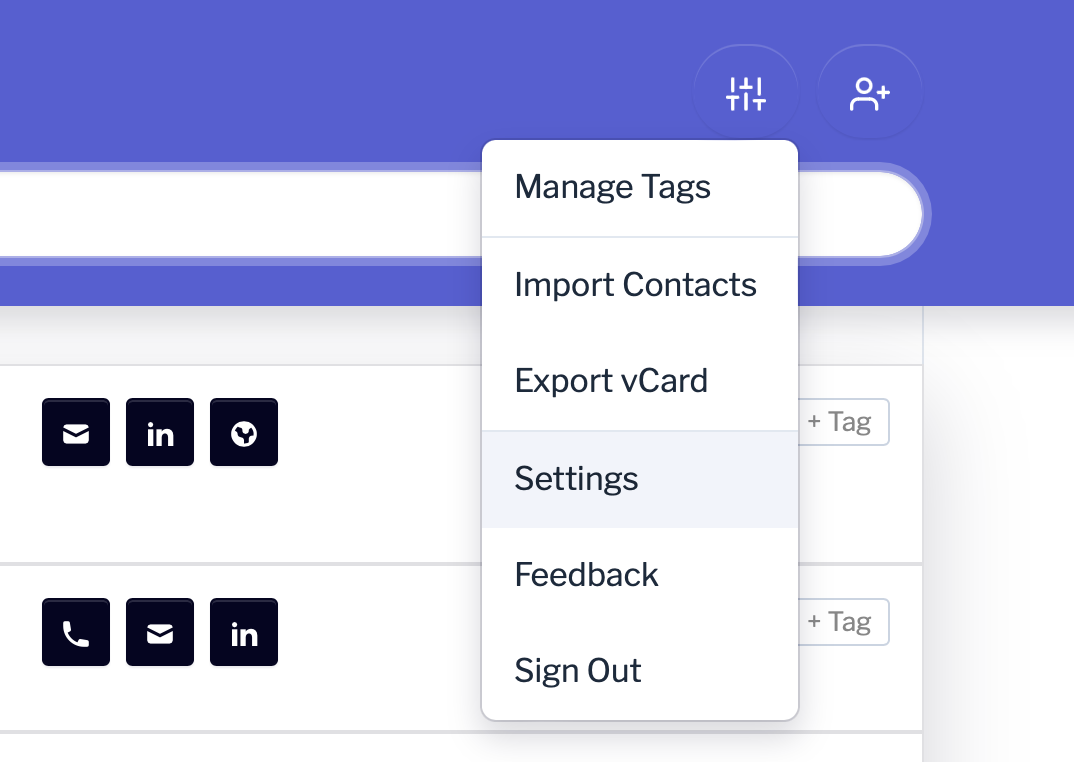
- Delete Content
Click on Delete and then click on the Delete Content button.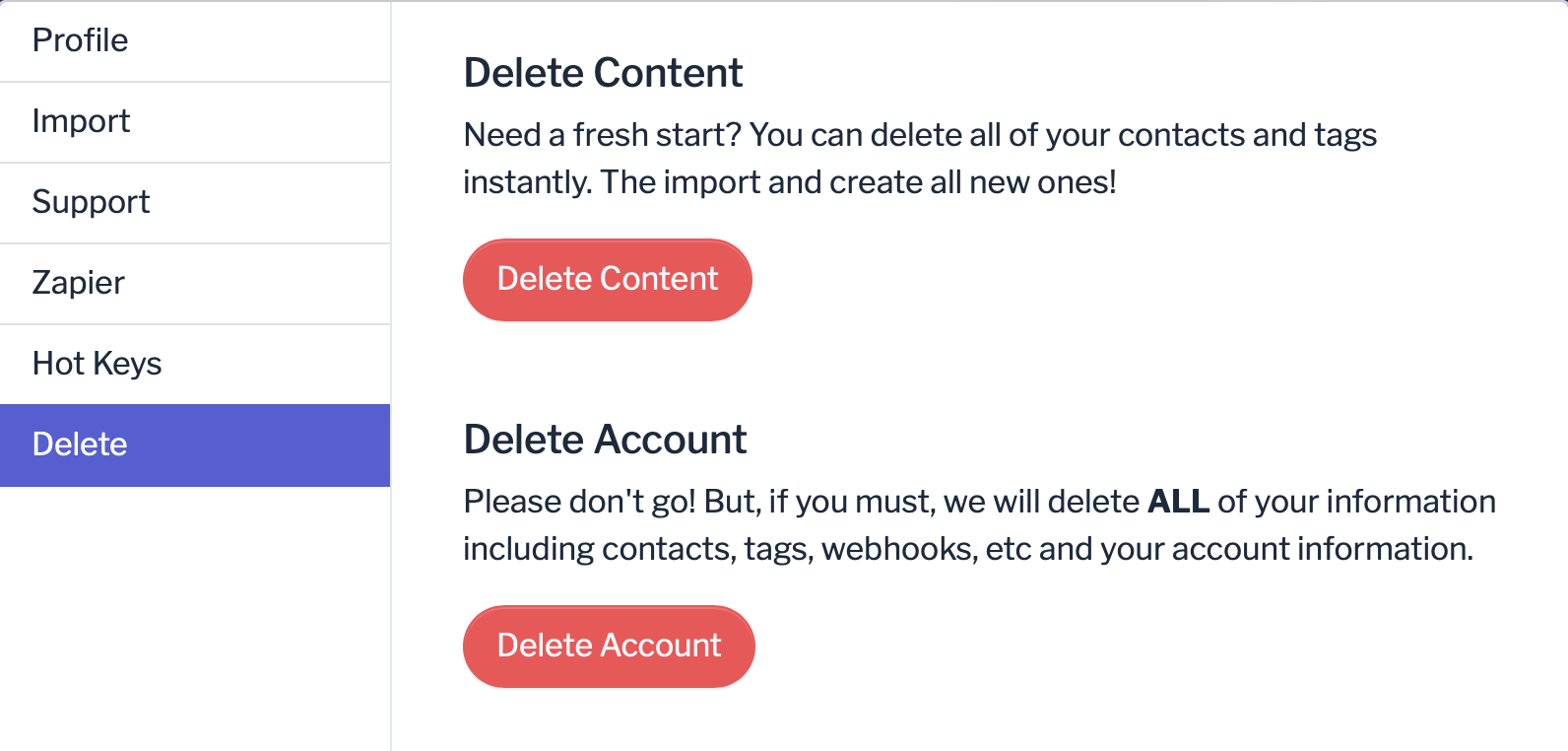
- Confirm contact record deletion
Click the Confirm button if you want to permanently delete all of your contact records, or click the Cancel button if you want to keep your contact records.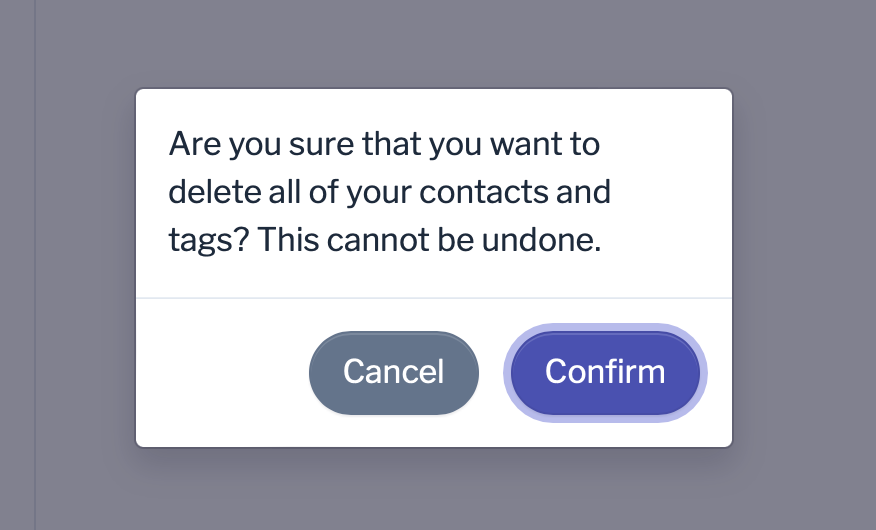
Source: https://support.contact.garden/account/how-to-delete-all-records/